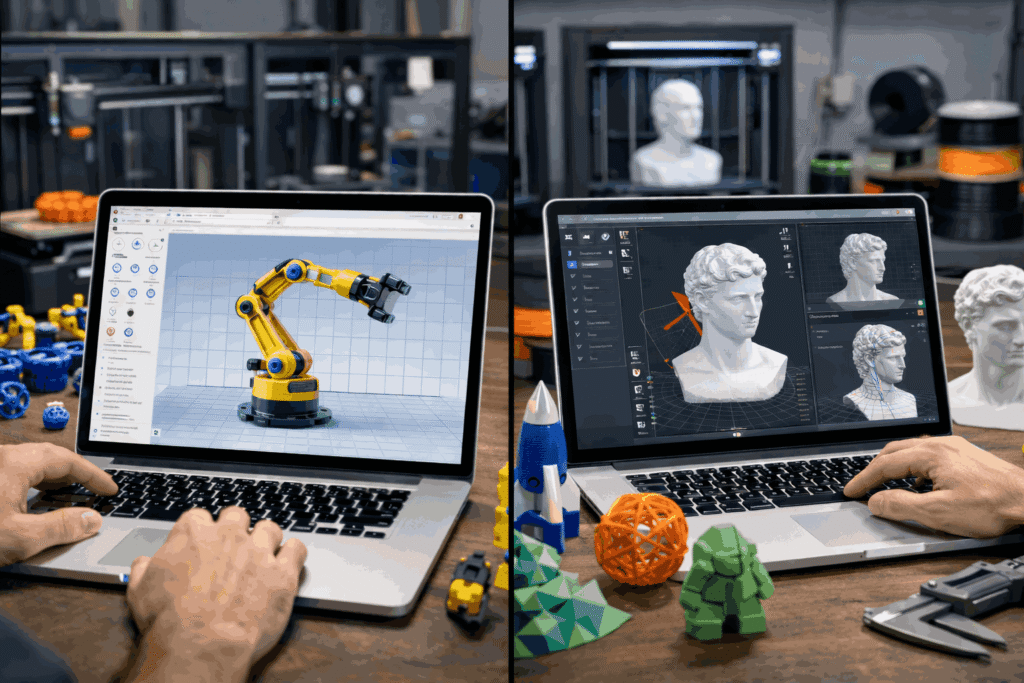

Every 3D printing project begins with a decision that shapes the entire workflow—whether to create a model from scratch or modify an existing file. This choice affects accuracy, turnaround time, and overall print success. The balance between speed and control often determines which approach delivers better results.
3D modeling for 3D printing provides complete control over geometry and dimensions, making it suitable for complex and functional designs. On the other hand, editing tools allow quick adjustments to existing files without rebuilding them. Many modern 3D printing apps support both methods, enabling a flexible workflow based on project requirements.
What Is 3D Modeling for 3D Printing?
3D modeling involves creating a digital object using CAD or modeling software. Every aspect of the design, including dimensions, structure, and geometry, is defined during this stage. The model is then exported as a printable file format, typically STL, for slicing and production.
This method is essential when precise measurements, complex assemblies, or custom features are required. It allows complete control over design intent and ensures that the final printed object meets functional and structural expectations.
What Are STL Editing Tools?
STL editing tools focus on modifying existing 3D models instead of creating new ones. These tools operate directly on mesh files, allowing adjustments without access to the original design file.
Common functions include repairing damaged meshes, resizing models, adjusting orientation, and making minor structural changes. Many 3D printing apps include built-in editing features, making it easier to handle small modifications quickly.
Key Differences: 3D Modeling vs STL Editing
The core difference lies in the level of control and flexibility.
3D modeling allows complete design freedom, enabling precise control over dimensions, geometry, and internal structures. It supports parametric changes and complex redesigns.
STL editing is limited to working within the mesh structure of an existing file. While it is effective for quick fixes, it cannot easily handle major design changes or detailed modifications.
Choosing between the two depends on whether the project requires full customization or simple adjustments.
When to Use 3D Modeling for 3D Printing
3D modeling is the preferred approach when a project demands accuracy and customization. It is commonly used for designing functional parts, prototypes, and components with strict tolerances.
This method is also suitable when the design includes moving parts, assemblies, or iterative improvements. Starting from scratch ensures that every detail aligns with performance requirements and reduces the need for later corrections.
When to Use STL Editing Tools
STL editing tools are effective for handling minor changes to existing models. They are useful when a file needs quick repair, resizing, or small adjustments before printing.
This approach is often chosen when time constraints make full redesign impractical. It simplifies the workflow by allowing modifications without returning to the original modeling software.
Common Limitations to Consider
Both approaches have limitations that impact workflow efficiency.
3D modeling can be time-consuming and requires familiarity with design tools. Complex models may take significant effort to create and refine.
STL editing offers limited flexibility. Mesh-based modifications can introduce inaccuracies, and large design changes are often difficult to implement. Over-reliance on editing tools may affect print quality and structural integrity.
Build Smart, Modify Smarter
Selecting the right approach depends on the project’s complexity and requirements. 3D modeling for 3D printing delivers precision and control, while STL editing tools provide speed and convenience for smaller adjustments.
3DPrinterOS supports both workflows by enabling seamless transitions between design, slicing, and print management. This integrated approach reduces inefficiencies and improves consistency across production environments.
For operations aiming to balance speed and accuracy, combining both strategies with reliable 3D model software for 3D printing ensures better outcomes. Start using 3DPrinterOS today to streamline workflows and improve print success rates.